


Ask most store owners what a product costs and they will give you the number on the supplier’s invoice. That number is only the start. By the time a case is on your shelf, you have also paid to ship it, maybe paid duty or customs fees, paid a broker or agent, and absorbed the cost of anything that arrived damaged. The full figure is called landed cost, and it is the number your prices and margins should be built on.
Here is what goes into landed cost, why it gets missed, and how an ERP keeps it accurate without a spreadsheet for every shipment.
What goes into landed cost
- Item cost. What you pay the vendor per piece, inner pack or case, in the vendor’s currency.
- Freight. Ocean, air, truck or parcel charges to get the goods from the vendor to your door, including any local delivery at the end.
- Duty and taxes. Import duty, customs fees and other taxes that apply to the shipment.
- Commissions and agent fees. Buying agents, brokers or sourcing partners who are paid per order or per shipment.
- Risk. Insurance, plus an allowance for breakage, shortages or goods that fail inspection.
Not every product carries every cost. A local delivery may only add freight. An imported container can carry all of them. The point is to capture what actually applies, every time.
Why it gets missed
Landed cost slips through the cracks for simple reasons. The freight bill arrives weeks after the goods. Duty is paid by a broker and shows up on a separate statement. One shipment holds dozens of products, so nobody is sure how to split the fees across them. The result is that the item cost in the system stays at the invoice price, and margins look better on paper than they are in the bank.
The risk is real: if you price a product off its invoice cost and the extra fees are significant, you can sell a lot of it and still make less than you think.
How to split shared costs across products
When one shipment carries many items, the shared fees need a fair way to be spread out. Common approaches include:
- By value, so higher-priced items carry more of the cost. Often a good fit for duty, which is usually based on value.
- By quantity, where every unit carries the same share. Simple, and works when items are similar.
- By size or weight, a better fit for freight when bulky, light items ship next to small, heavy ones.
There is no single right answer. What matters is choosing a method that fits the cost, using it consistently, and being able to see how each item’s final cost was calculated.
How AIR Biz ERP handles it
In the AIR Biz ERP, landed cost follows the goods instead of living in a separate spreadsheet:
- Vendor item costs are stored per vendor with price, currency, minimum order quantity and the vendor’s own item number.
- Purchase orders carry payment terms, expected arrival, freight and deposits, with lines added one at a time, in bulk, from a reorder list or by import.
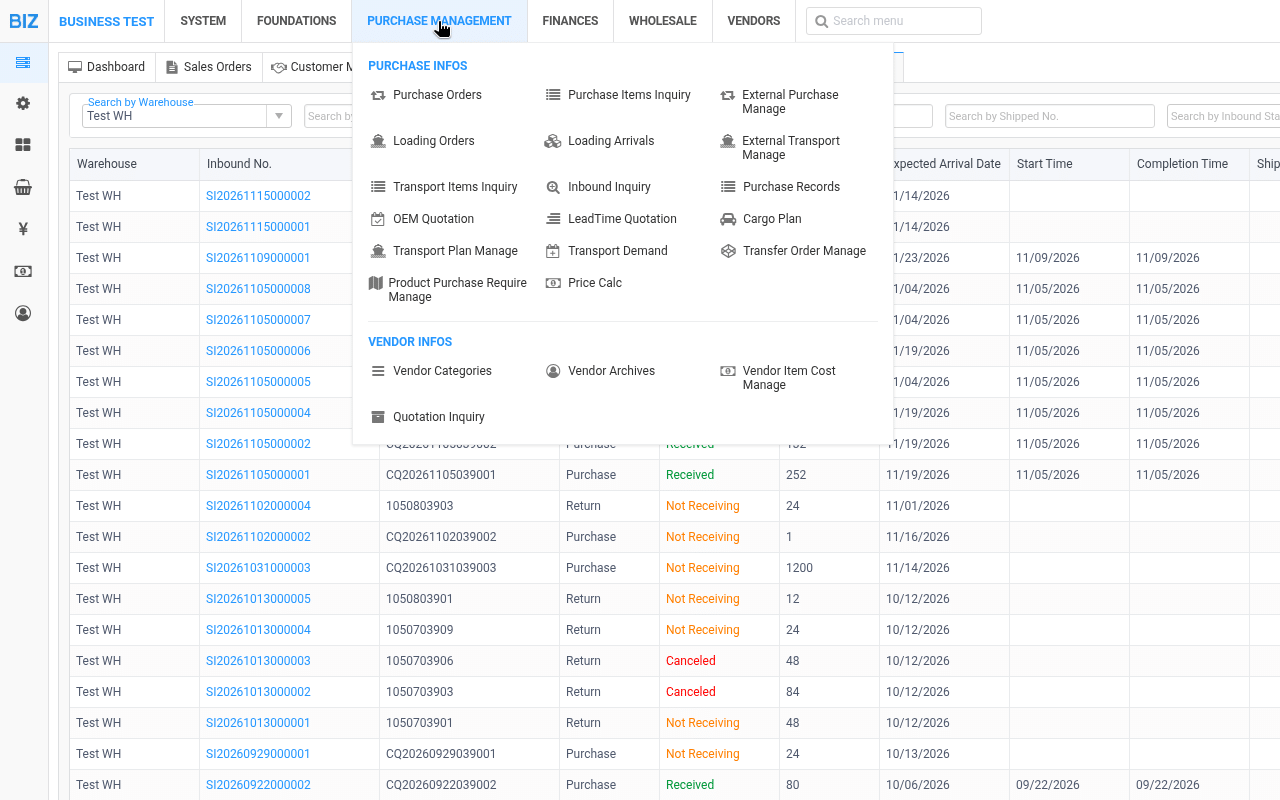
- Loading and transport orders are created from PO lines, and that is where landed-cost fees such as freight, tax, duty, commission and risk are recorded against the shipment.
- Arrival is recorded when the goods land, and the warehouse inbound opens automatically in AIR WMS so receiving can start right away.
- Receiving compares expected against received quantities by scan or by line, so shortages are caught at the dock, not at the shelf.
Because purchasing, receiving, inventory and selling prices share one back office, the cost behind each product is the same cost your team sees when it sets prices for AIR POS and your electronic shelf labels.
A quick landed-cost checklist
- List every fee you paid on your last three shipments, not just the vendor invoice.
- Decide how each fee should be split: by value, quantity or size.
- Record fees against the shipment as soon as the bills arrive, even if goods are already on the shelf.
- Review the margins of your top sellers using landed cost, and adjust prices where needed.
- Check receiving discrepancies every week, since shortages raise the true cost of what did arrive.
Want to see how this works with your own vendors and shipments? Book a walkthrough with AIR and we’ll show you the flow from purchase order to shelf price.
